Wireless Data Logger
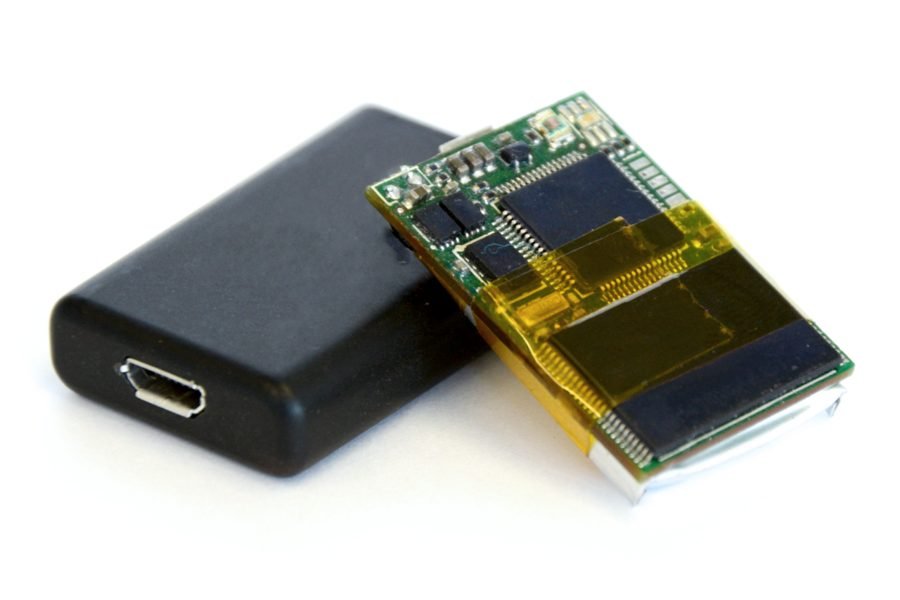
Image: AX3-electronics-enclosure-CC3.0.png by Open Movement -- the GitHub for the open source hardware ... via Wikimedia Commons, CC BY 3.0
A locally-stored data log (like an SD card logger) is only accessible by physically retrieving the card, which is inconvenient for long-running or remote monitoring setups.
This project instead uploads environmental sensor readings — temperature and humidity — directly to a cloud IoT platform (ThingSpeak) over Wi-Fi, so the data is viewable and analyzable remotely and in real time, without ever needing to visit the device.
How It Works
- A DHT11/DHT22 sensor takes temperature and humidity readings at a regular interval.
- An ESP8266/ESP32 connects to Wi-Fi and pushes each reading to a ThingSpeak channel via its REST API.
- ThingSpeak stores the incoming data over time and auto-generates live graphs, viewable from any browser without extra setup.
- Because storage and visualization happen in the cloud, there's no local card to retrieve and no risk of losing data if the device itself fails, as long as it uploaded before failing.
Components
ESP8266 or ESP32
DHT11/DHT22 temperature/humidity sensor
ThingSpeak account/channel (free tier)
Power supply
Applications
- Remote environmental monitoring
- Long-duration data collection for research/lab use
- Any application needing sensor history without a physical retrieval step
Advantages
- Live remote access to readings, no physical retrieval needed
- Automatic graphing and historical view built into the cloud platform
- Scales to multiple sensors/locations reporting to one dashboard
Sample Code — Uploading Sensor Data to ThingSpeak
// Simplified ThingSpeak data logger - ESP8266 #include#include #define DHTPIN 4 DHT dht(DHTPIN, DHT11); String apiKey = "YOUR_THINGSPEAK_WRITE_KEY"; void setup() { Serial.begin(9600); dht.begin(); WiFi.begin("SSID", "PASSWORD"); } void loop() { float temp = dht.readTemperature(); float hum = dht.readHumidity(); WiFiClient client; if (client.connect("api.thingspeak.com", 80)) { String url = "/update?api_key=" + apiKey + "&field1=" + String(temp) + "&field2=" + String(hum); client.print(String("GET ") + url + " HTTP/1.1\r\nHost: api.thingspeak.com\r\n\r\n"); } delay(60000); // ThingSpeak free tier: 1 update per 15s minimum, 60s is safe }
Related Research
Hours
Monday - Saturday: 9:00 AM - 5:00 PM
Sunday: Not Working
Location
2nd Floor, Comptron Arcade, Kallattumukku,
Thiruvananthapuram, Kerala 695012
Book Now
+91 9633118080