Smart Fan Control System
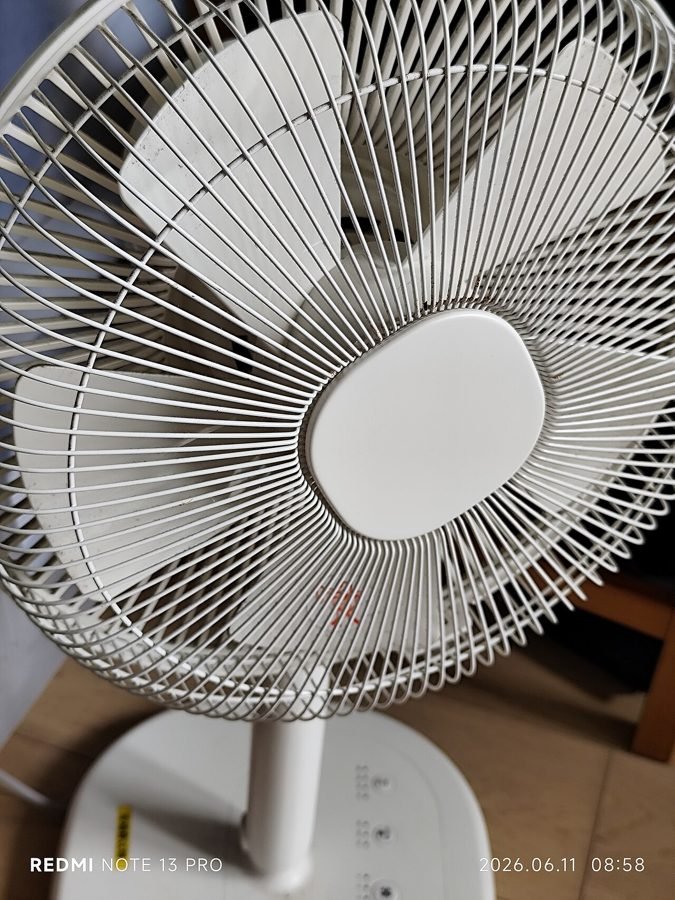
Image: HK 電風扇 electric fan white 日本 Plus Minus Zero Co 中國製造 made in China 卓領亞太 觀塘 Kwun Tong 入口 家福送贈 Hong Kong Family Welfare sponsor June 2026 N13P 01.jpg by LION DIOR 2008 MEN via Wikimedia Commons, CC0
A fan left running at full speed regardless of actual room temperature wastes power and can be uncomfortably strong exactly when it's not needed.
This project uses a DHT11 temperature sensor to continuously read room temperature and adjusts fan speed proportionally through PWM control — running faster as the room gets warmer and slower as it cools — instead of a simple fixed on/off switch.
How It Works
- A DHT11 sensor reports current room temperature to the Arduino at regular intervals.
- The controller maps that temperature reading to a proportional PWM duty cycle — higher temperature produces a higher duty cycle and faster fan speed.
- A motor driver circuit (or MOSFET for a DC fan) applies the PWM signal to control actual fan speed smoothly, rather than switching abruptly between fixed speed steps.
- An LCD optionally displays the current temperature and fan speed percentage for user feedback.
Components
Arduino Uno
DHT11 temperature sensor
MOSFET or motor driver (PWM fan speed control)
DC fan
16x2 LCD (optional readout)
Applications
- Energy-efficient room and equipment cooling
- Server/electronics enclosure temperature-responsive cooling
- Teaching PWM-based proportional control
Advantages
- Saves energy versus a fixed-speed fan running regardless of need
- Smooth, proportional speed response instead of abrupt on/off switching
- Simple to extend with a display or remote monitoring
Sample Code — Temperature-Proportional PWM Fan Control
// Simplified proportional fan speed control - Arduino #include#define DHTPIN 4 DHT dht(DHTPIN, DHT11); int fanPWMPin = 9; void setup() { dht.begin(); pinMode(fanPWMPin, OUTPUT); } void loop() { float temp = dht.readTemperature(); int pwmValue = constrain(map(temp, 20, 35, 0, 255), 0, 255); // 20-35C mapped to 0-255 analogWrite(fanPWMPin, pwmValue); delay(2000); }
Related Research
Hours
Monday - Saturday: 9:00 AM - 5:00 PM
Sunday: Not Working
Location
2nd Floor, Comptron Arcade, Kallattumukku,
Thiruvananthapuram, Kerala 695012
Book Now
+91 9633118080