Gesture-Controlled Robot
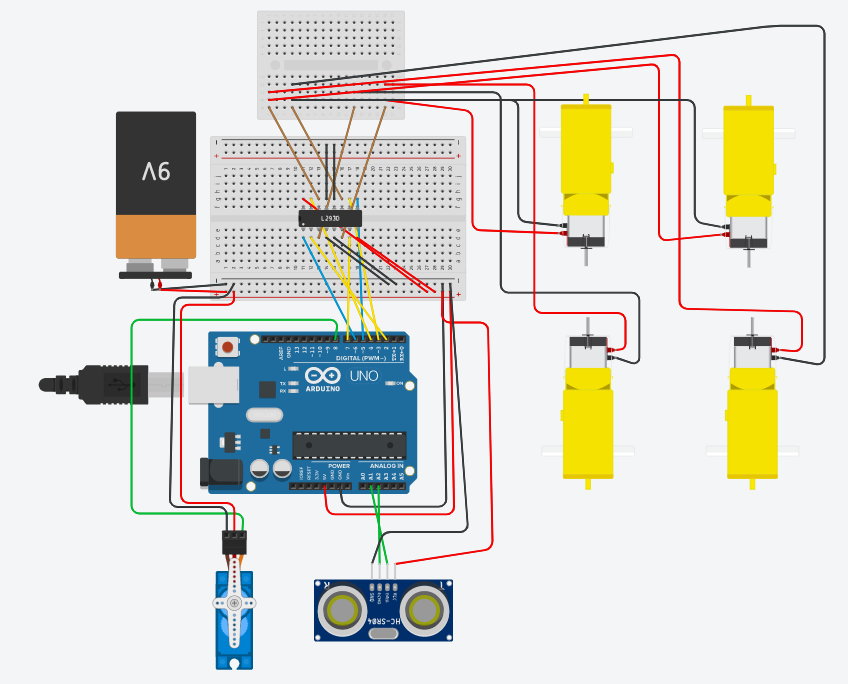
Joystick or app-based robot control works but feels indirect — tilting your hand to steer a robot is a more intuitive, natural interface, and building it requires real-time motion sensing and wireless data transmission.
This project mounts an MPU6050 accelerometer/gyroscope on a hand-worn glove or controller; tilting the hand forward, backward, left, or right generates motion data that a transmitter sends wirelessly to the robot, which interprets the tilt pattern as a movement command.
How It Works
- The MPU6050 on the hand controller continuously reports acceleration and tilt angle over I2C to a transmitting microcontroller.
- The transmitter classifies the tilt pattern (forward tilt, backward tilt, left/right tilt) into a discrete command and sends it wirelessly (RF or Bluetooth) to the robot.
- The robot's receiver decodes the command and drives its motor driver accordingly — forward, backward, left turn, or right turn.
- A dead-zone threshold around neutral tilt prevents small hand tremors from triggering unintended movement.
Components
2x Arduino Uno/Nano (transmitter + robot)
MPU6050 accelerometer/gyroscope module
RF (nRF24L01) or Bluetooth (HC-05 pair) wireless link
Motor driver (L298N) + DC gear motors + wheels
Hand glove/controller mount
Battery packs (transmitter + robot)
Applications
- Intuitive robot control interfaces
- Assistive control for users who find joysticks difficult
- Educational demonstration of IMU-based motion sensing
Advantages
- More natural, intuitive control than a joystick or app buttons
- Demonstrates real-time sensor fusion and wireless command transmission
- Dead-zone tuning keeps control stable against hand tremor
Sample Code — Tilt Classification (Transmitter Side)
// Simplified tilt-to-command classification - Arduino + MPU6050 #include#include MPU6050 mpu; void setup() { Wire.begin(); mpu.initialize(); Serial.begin(9600); // to RF/Bluetooth transmitter } void loop() { int16_t ax, ay, az; mpu.getAcceleration(&ax, &ay, &az); char command = 'S'; // stop by default if (ay > 8000) command = 'F'; // tilt forward else if (ay < -8000) command = 'B'; // tilt backward else if (ax > 8000) command = 'R'; // tilt right else if (ax < -8000) command = 'L'; // tilt left Serial.println(command); // send to robot delay(100); }
Related Research
- Hand Gesture Controlled Robot using Arduino and MPU6050 — ResearchGate
Hours
Monday - Saturday: 9:00 AM - 5:00 PM
Sunday: Not Working
Location
2nd Floor, Comptron Arcade, Kallattumukku,
Thiruvananthapuram, Kerala 695012
Book Now
+91 9633118080