ALCOHOL DETECTOR USING ARDUINO
Nowadays drinking and driving is the most common threat to their as well as others’ life. We cannot stop people from drinking but we can avoid these accidents by checking the person of drinking also we can put these types of small devices in vehicles to assure that no drink and drive can further take place. It is a simple alcohol indicator that can be used in small devices or for the demonstration of simple small projects for an Alcohol detector using Arduino.
Components
Arduino
Red led
MQ-3 Sensor
Breadboard
Jumper wires
220 ohm resistor
Buzzer
| Components | Hexkart | Flipkart |
|---|---|---|
| Arduino | Buy Now | Buy Now |
| MQ-3 Sensor | Buy Now | Buy Now |
| Breadboard | Buy Now | Buy Now |
| Buzzer | Buy Now | Buy Now |
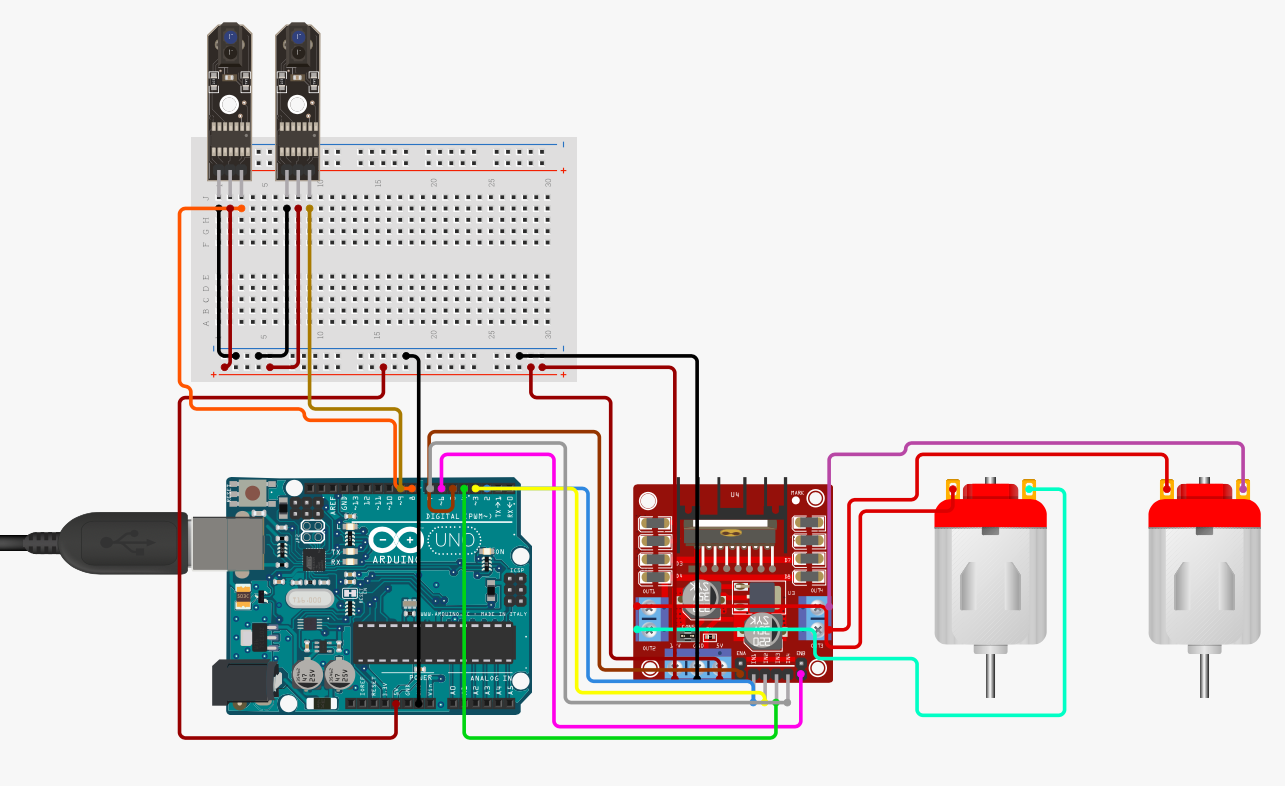
Circuit Diagram

Arduino Code
//put this code for LED in the ide of arduino from this line
int LED = 9;
int ALCOHOL_sensor = 3;// MQ-3 SENSOR
int ALCOHOL_detected;
void setup()
{
Serial.begin(9600);
pinMode(LED, OUTPUT);
pinMode(ALCOHOL_sensor, INPUT);
}
void loop()
{
ALCOHOL_detected = digitalRead(ALCOHOL_sensor);
Serial.println(ALCOHOL_detected);
if (ALCOHOL_detected == 1)
{
Serial.println("ALCOHOL detected...");
digitalWrite(LED, HIGH);
}
else
{
Serial.println("No ALCOHOL detected ");
digitalWrite(LED, LOW);
}
}
//For buzzer put this code in Arduino IDE
int LED = 9;
int BUZZER = 10;
int ALCOHOL_sensor = 3;// MQ-3 SENSOR
int ALCOHOL_detected;
void setup()
{
Serial.begin(9600);
pinMode(LED, OUTPUT);
pinMode(BUZZER, OUTPUT);
pinMode(ALCOHOL_sensor, INPUT);
}
void loop()
{
ALCOHOL_detected = digitalRead(ALCOHOL_sensor);
Serial.println(ALCOHOL_detected);
if (ALCOHOL_detected == 1)
{
Serial.println("ALCOHOL detected...");
digitalWrite(LED, HIGH);
digitalWrite(BUZZER, HIGH);
}
else
{
Serial.println("No ALCOHOL detected.");
digitalWrite(LED, LOW);
digitalWrite(BUZZER, LOW);
}
}
Hours
Monday - Saturday: 9:00 AM - 5:00 PM
Sunday: Not Working
Location
2nd Floor, Comptron Arcade, Kallattumukku,
Thiruvananthapuram, Kerala 695012
Book Now
+91 9633118080